¶ Image
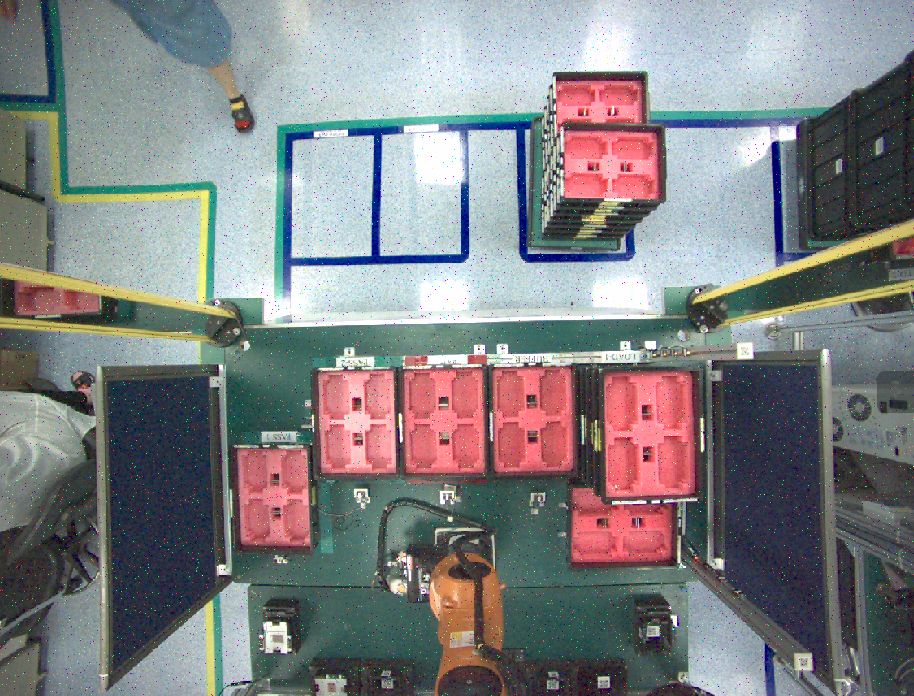
This example will open the PNG file and display it after passing through the PNG decoder. Similarly, there are JPEG decoder, ... etc. to correspond to different image formats, just change the decoder plugin.
¶ Download pygraph
¶ Download pygraph resource
¶ Graph in EVA IDE
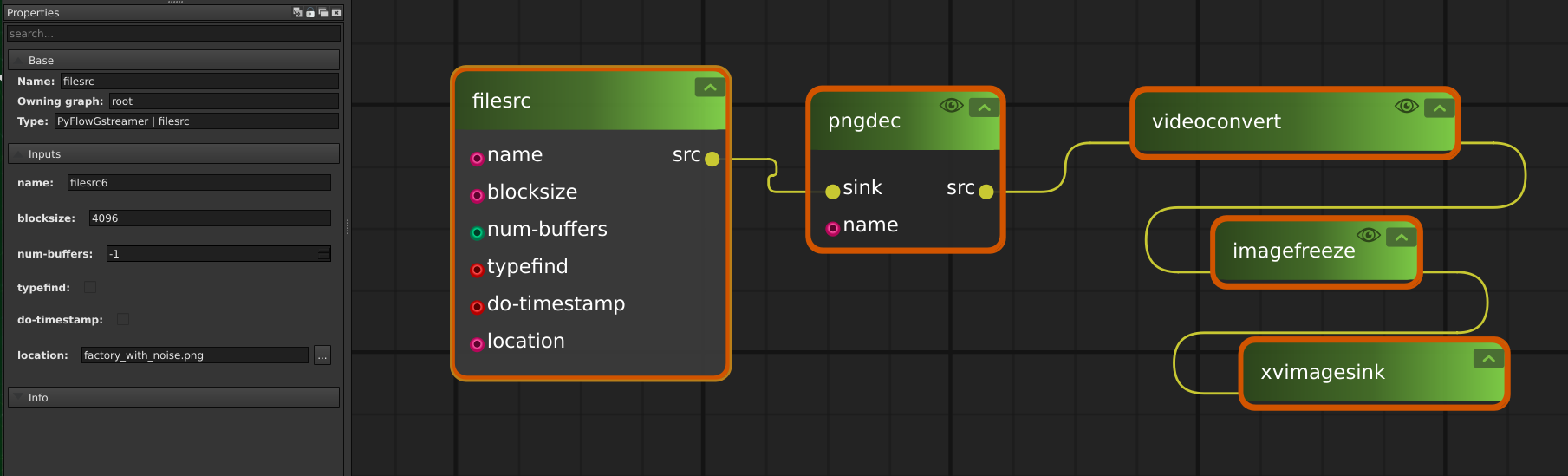
¶ Command for this sample
gst-launch-1.0 filesrc location="factory_with_noise.png" ! pngdec ! videoconvert ! imagefreeze ! xvimagesink
¶ Video
This example will open the mp4 video and display it after passing through the decoder plugin provided by NVIDIA. "nvvideoconvert" can support multiple formats, please refer the document from NVIDIA to more information.
¶ Download pygraph
¶ Download pygraph resource
¶ Graph in EVA IDE
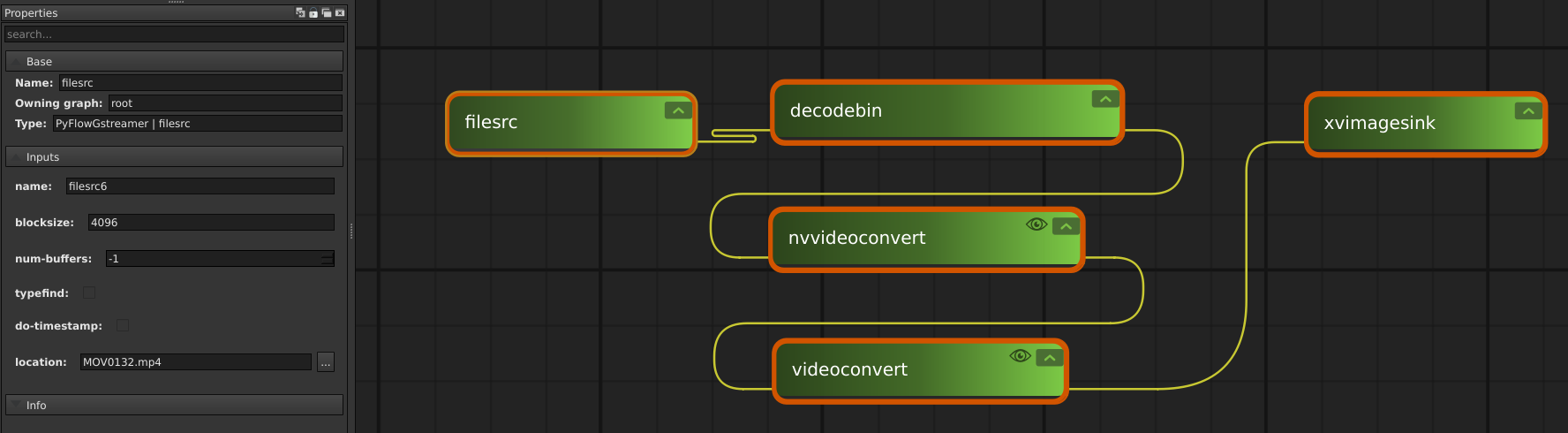
¶ Command for this sample
gst-launch-1.0 filesrc location="MOV0132.mp4" ! decodebin ! nvvideoconvert ! videoconvert ! xvimagesink